How to Add Google Reviews to Website: Easy Guide & Interactive Tool
Learn how to add Google reviews to your website easily. Our interactive tool guides you through embedding Google reviews, using no-code solutions, or API integration to boost social proof.
Posted by
 Miracle Nnamdi
Our interactive tool simplifies adding Google reviews to your website, guiding users through official embedding or integrating with popular no-code solutions to enhance online trust and social proof. It helps generate necessary code or connect with services to display your business's valuable customer feedback directly on your site.
1. What This Interactive Google Reviews Tool Does
This tool automates and simplifies the complex steps required to embed Google reviews on your website, providing tailored solutions for various technical skill levels.
Our interactive Google Reviews tool helps you display customer feedback online efficiently:
- Streamlined Embedding: Guides users through the entire process of integrating Google reviews onto their website.
- Method Selection: Presents clear pathways for both manual linking/embedding and utilizing advanced no-code solution widget integrations.
- Code & Instructions Generation: Produces necessary embed code, direct links, or step-by-step instructions tailored to the chosen method and website platform.
- Trust & Credibility Enhancement: Facilitates the display of authentic customer feedback, fostering social proof and potentially improving conversion rates.
2. Why Display Google Reviews on Your Website?
Displaying Google reviews on your website is a strategic decision impacting online presence and customer acquisition:
- Builds Social Proof: Showcases genuine customer experiences, significantly influencing potential clients' decisions. Consumers trust online reviews as much as personal recommendations, making them a powerful form of social proof.
- Enhances Online Presence: Regular, positive reviews can improve a business's online visibility and reputation.
- Increases Conversion Rates: Website visitors are more likely to trust and engage with businesses displaying positive third-party validation. Direct display of positive feedback reinforces overall good impressions and encouraging action.
- Enhances User Experience: Provides quick, credible insights directly on your site, reducing friction and keeping visitors engaged.
3. How to Use Our Interactive Google Reviews Tool (Step-by-Step)
Our tool simplifies Google review integration. Follow these steps:
Step 1: Access Your Google Business Profile
Ensure your Google Business Profile is claimed, verified, and active. Confirm you have a Google account with administrative privileges. This ensures accurate business detail fetching.
Step 2: Choose Your Embedding Method
Choose the best approach based on technical comfort and website setup.
Option A: Direct Google Business Profile Link (Manual)
Link directly to your Google Business Profile.
- Process: Our tool helps generate a direct URL leading visitors to your Google Business Profile to view or write reviews.
- Inputs: Your Google Business Profile Name or Place ID.
- Outputs: A clickable URL to integrate into your website's call-to-actions.
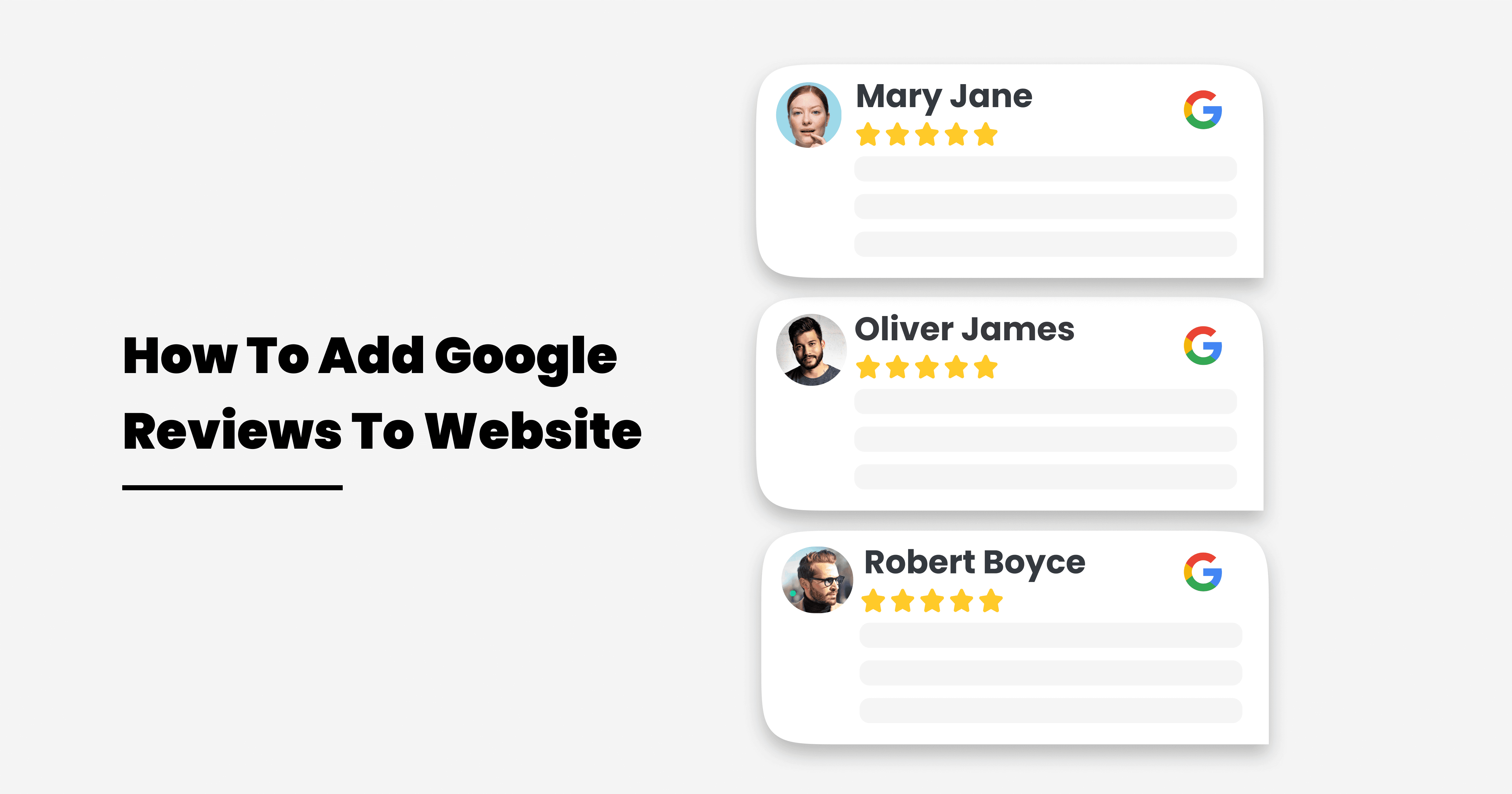
Option B: Using a Google Reviews Widget (No-Code Solution)
Use third-party services for integrated display.
- Process: Our tool guides you to configure and obtain embeddable code from a third-party review widget provider. Leverages a no-code solution for simple display.
- Inputs: Your Google Business Profile details, desired display layout, filtering preferences.
- Outputs: An embeddable HTML/JavaScript snippet or direct connection to a service like Elfsight. This exemplifies a no-code solution using a pre-built Google Reviews Widget.
Option C: Advanced API Integration (Custom Code)
For users with coding experience needing maximum control.
- Process: Developers interact directly with the Google My Business API for full control over data and display.
- Inputs: Your Google Place ID and a Google API Key (or developer token). These grant access to Google's data.
- Outputs: Detailed instructions and code examples for fetching and displaying review data programmatically. Requires careful User Authentication and network security awareness to avoid error 403 Forbidden due to incorrect permissions.
Step 3: Configure Your Review Display (Tool Output Explanation)
Refine review appearance after method selection.
- Customization Options: Select preferred layouts (e.g., slider, grid), color themes, filtering criteria, number of reviews, and "Write a Review" button visibility.
- Live Preview: Visualize how reviews appear on your website for adjustments.
- Responsive Design: Ensure the chosen display method adapts seamlessly to various screen sizes for optimal user experience.
Step 4: Embed the Reviews on Your Website
Integrate generated code or link into your site.
- Code Retrieval: Copy the generated HTML/JavaScript code or instructions from our tool.
- Platform-Specific Insertion: Follow guidance for popular Content Management Systems (CMS) and website builders such as WordPress, Shopify, Wix, and Squarespace, or paste directly into your site's HTML. Platforms have specific embedding methods.
- Optimal Placement: Recommendations for strategic placement on your site, like the homepage, product pages, or a dedicated testimonials section, for maximum impact.
4. Understanding Your Options: Manual vs. Widget vs. API
| Feature | Direct Link (Manual) | Widget (No-Code) | API Integration (Custom) |
|---|---|---|---|
| Ease of Use | Very Easy | Easy to Moderate | Advanced (requires coding) |
| Customization | Minimal (Google's standard page) | High (via widget settings) | Full (via custom code) |
| Real-time Updates | Yes (links to live Google) | Yes (via widget service) | Yes (via API calls) |
| Appearance | Google's standard review page | Branded, customizable designs | Completely custom |
| Maintenance | None | Minimal (widget provider) | Moderate (developer upkeep) |
| Cost | Free | Free (basic) to Paid (premium) | Development cost + API usage fees |
| Prerequisites | Verified Google Business Profile | GBP, Widget Service Account | GBP, Google account, API Key |
| Key Advantage | Simplest external redirection | Quick, visually appealing integration | Ultimate control and flexibility |

5. When to Use Our Google Reviews Tool
Our Google reviews tool is beneficial for various scenarios:
- New Businesses: Quickly establish online credibility and trust.
- E-commerce & Service Providers: Display customer satisfaction to boost sales and service inquiries.
- Local Businesses: Enhance local online presence and reputation, attracting more local inquiries.
- Digital Marketers & SEOs: Efficiently implement review strategies for clients, ensuring correct integration and optimization.
- Website Owners Seeking a no-code solution**:** To easily add dynamic content without technical complexities.
6. Frequently Asked Questions (FAQs)
How do I get an API key or developer token for Google reviews?
An API key, sometimes functionally referred to as a developer token, is generally obtained through developer consoles. Ensure your Google account has permissions. This key is crucial for User Authentication.
Why might I encounter an "error 403 Forbidden" when trying to access review data?
An "error 403 Forbidden" indicates you lack authorization. Often occurs if your API key is incorrect/expired, API isn't enabled, or your Google account lacks sufficient access to the Google Business Profile. These are standard network security measures.
Can I add Google reviews to any website platform, like Squarespace?
Yes. For platforms like WordPress, Shopify, Wix, or Squarespace, a no-code solution using a Google Reviews Widget is easiest, usually pasting an embed code. API integration needs more technical expertise. Find platform-specific advice in the Squarespace forum or Reddit.
What are the security considerations for displaying Google reviews?
Always use official Google methods or reputable Google Reviews Widget providers. Ensure trusted embed code to prevent malicious bots. HTTPS is vital for network security. Services like Cloudflare offer additional security verification against web threats.
How does this tool compare to services like Elfsight's Google Reviews Widget?
Our tool guides you through options, including implementing basic code or highlighting robust no-code solutions like Elfsight. Elfsight's Google Reviews Widget is a feature-rich service offering extensive customization and direct integration. Our tool helps you choose the best solution, including specialized widget providers.
7. Troubleshooting & Best Practices
General Authentication Issues (User Authentication, network security)
- Verify Credentials: Always double-check API keys, developer token values, and Google account login details for accuracy.
- Permission Review: Confirm your Google Business Profile has necessary access permissions.
- Network Checks: Review local firewalls or VPN settings if facing network security blocks.
Avoiding Scraping Issues (malicious bots, CAPTCHA concerns)
- Leverage Official APIs: Prioritize Google's sanctioned APIs over scraping review data. Scraping violates terms of service, leads to IP blocks, and triggers CAPTCHA challenges.
- Reputable Providers: Opt for trusted widget providers adhering to Google's policies for data fetching.
- Terms of Service: Strictly adhere to Google's Terms of Service for data access and display.
Ensuring Display in Various Browsers (Google Chrome)
- Cross-Browser Testing: Always test embedded reviews for consistent display and functionality across major browsers, including Google Chrome, Firefox, Safari, and Edge.
- Responsive Design Check: Confirm review display remains visually appealing and functional on diverse screen sizes.
Utilizing Google's Help Center for further support
- Official Resources: For Google Business Profile or API access issues, consult the official Google Business Profile Help Center.
- Community Forums: While not official, communities like Reddit or specific platform forums (e.g., Squarespace forum) offer peer advice.
The Bottom Line: Streamline Your Google Reviews
Integrating Google reviews into your website is a powerful strategy for building trust, enhancing online reputation, and driving conversions. Our interactive tool simplifies this essential process by guiding you through optimal embedding. Whether using a direct link, a customizable no-code solution widget, or API integration, we provide the clarity. For a seamless and effective display of customer feedback, consider a robust solution designed to maximize your Google reviews' impact.
